
Free FLV Player is a stand alone Portable Flash Video Player that allows users to play Adobe Flash Video (FLV) files directly from a Windows PC without requiring the Adobe Flash plugin. This lightweight viewer can open and play back .flv video files stored locally or streamed from a direct video URL. It is a simple and convenient option for users who still work with archived FLV videos and need a portable tool to view them.
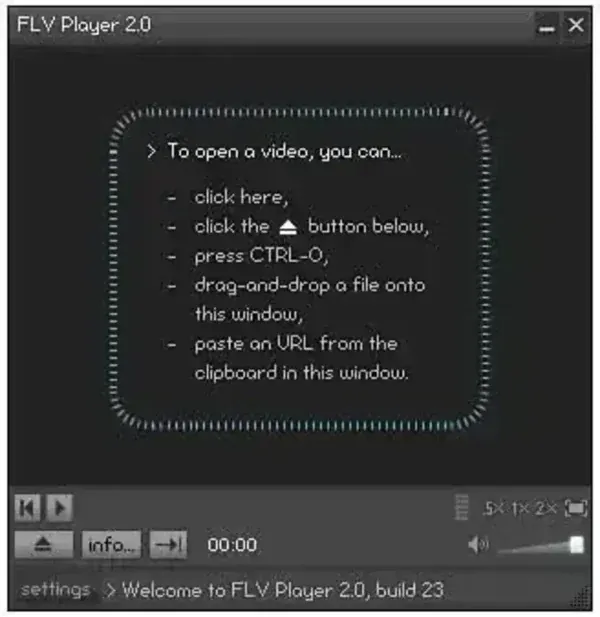
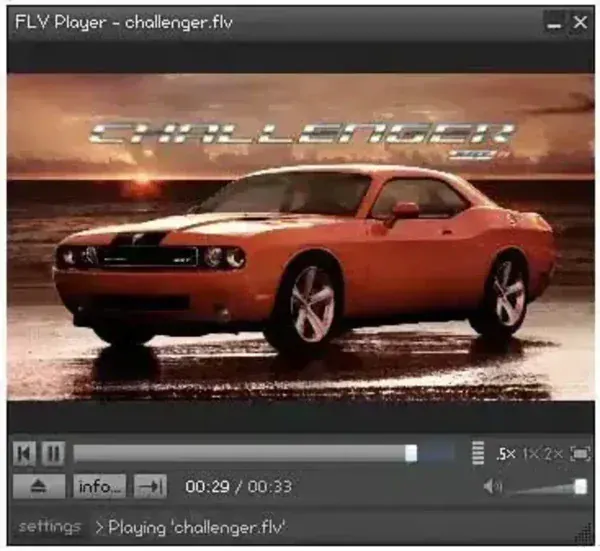
This Portable and free FLV video player supports drag and drop playback, making it quick to load video files by dropping them directly into the window. It also includes full-screen mode, basic playback controls, and smooth video handling even on older Windows systems. Since it is a non install, portable capable program, it can be run from a USB flash drive once extracted.
Free FLV Player
Key Features
- Plays standalone FLV (Flash Video) files
- Supports local playback and URL-based streaming
- Drag and drop video loading
- Full-screen viewing mode
- Simple controls and lightweight design
- Works well on older PCs and legacy Windows systems
- Portable-capable after extraction
Why Use a Portable FLV Player?
Although Flash has been discontinued, many users still have offline FLV videos in their backups, older projects, saved streaming files, training videos, or archived content. Modern media players do not always support FLV natively, making a standalone FLV viewer useful. Using a portable FLV player lets you keep the tool on a USB drive and open old Flash videos on any Windows computer without installation.
Specifications & Official Site
- Author's Website: Project Page
- License: Freeware
- Supported OS: Windows
How to Make Free FLV Player Portable
- Download FFPsetup.exe
- Run the setup file and install the program onto your PC.
- Navigate to C:Program FilesFLV Player (or Program Files (x86) on 64-bit systems).
- Copy the entire FLV Player folder to your USB drive or portable device.
- Inside that portable folder, launch FLVPlayer.exe to run the program.
Note: After copying the folder to your portable device, you may uninstall the program from your PC if you no longer need the installed version.
Final Thoughts
Free FLV Player remains a helpful tool for anyone who still needs to view archived Flash Video files. Even though Adobe Flash is no longer supported, many users continue to rely on legacy FLV videos for training materials, projects, and older web media. This lightweight and portable FLV player provides a simple way to open and watch those files without needing additional codecs or plugins.
Because it can be made fully portable, it is extremely convenient for technicians, archivists, and users who work across multiple computers. Whether you're recovering old content or maintaining legacy video archives, this free FLV video player offers an easy, installation free solution for FLV video playback on Windows.
