
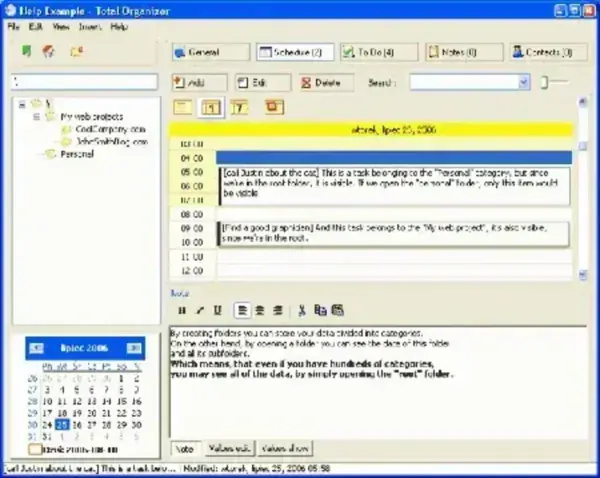
Total Organizer allows a user to Organize and store personal information such as a contacts, notes, tasks and to-do items within an easy to navigate folder tree structure and calendar menu. Typically a user would install Total Organizer to a folder on their hard disk. But we are going to show you how to install Total Organizer to a folder on your USB flash drive, enabling you to bring your Organizer with you to use wherever you go.
Total Organizer Screenshot:
License: Freeware
Authors Website: http://konradp.com/products/organizer
Installing Total Organizer to a USB flash drive:
- Download Total Organizer and install to your PC
- Copy the C:Program FilesOrganizer folder to your USB device
- Run organizer.exe from the Organizer folder to run the program
Note: You can uninstall Total Organizer from your PC once you have the Portable Organizer Software working.