
HTTrack is a free software utility that can be used to copy and browse internet sites while offline. It allows users to store a Website, it's images and structure from the internet recursively on a local directory. A user can then browse the site and it's links off line as if they were connected to the site via the internet.
HTTrack Portable Offline Browser
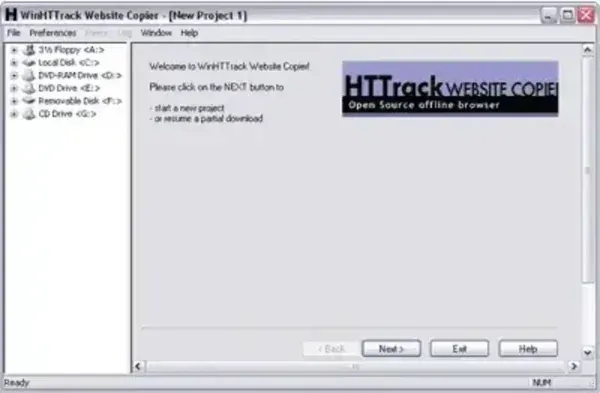
This free and open source website copying utility allows users to download a website from the Internet to a local directory. It's often used for creating offline copies of websites for archival purposes, offline browsing, or other reasons. Here are some of its main features:
- Website Mirroring: Allows users to download the entire structure of a website, including HTML pages, images, stylesheets, scripts, and other resources, to a local directory.
- Offline Browsing: Once a website is mirrored, users can browse the downloaded content offline as if they were accessing the original website. This can be useful in situations where an internet connection is not available.
- Configurable Settings: Users can configure various settings in HTTrack, such as the depth of the mirror, the types of files to download, and the maximum transfer rate.
- Open Source: Distributed as free and open source software under the GNU General Public License (GPL). This means that users have the freedom to view, modify, and distribute the source code.
- Cross Platform: Available for various operating systems, including Windows, Linux, and macOS.
- Command Line Interface: It also has a command line interface for users who prefer working with it through the command line.
This offline internet browser be taken with you to run directly from a portable USB device such as a flash pen drive.
Specifications | Official Site | Where to Download
- Authors Website: Project Page
- License: Open Source
- Supported Operating System: Windows, Linux, macOS
- Downloading: Grab either the 32 bit or 64bit HTTrack client.
(1.) First, create an HTTrack folder on your USB drive.
(2.) Then simply extract the contents of the zipped archive to the folder on your USB device.